
Zapya: File Transfer App, Download & Complete Guide
Zapya is a cross-platform file-sharing application that helps users transfer photos, videos, documents and other supported files between compatible phones, computers and other devices.
Whether you want to understand how Zapya works, find the right version for your device, transfer files between a phone and PC, use WebShare or solve a connection problem, this guide helps you find the information you need.
- Free to use
- Works offline
- Cross-platform
- One app, Every screen
- Android
- iPhone & iPad
- Windows
- macOS
- Start here
What Is Zapya?
Zapya is a file-transfer and sharing app designed to make moving files between supported devices easier. It can be used to share files between mobile devices, transfer content from a phone to a computer, send files from a PC to a phone and move supported content between different platforms.
Instead of relying on a single type of device, Zapya is designed around cross-device sharing.
What Is Zapya Used For?
- Share photos between devices
- Send videos to another phone or computer
- Transfer documents and other files
- Move files from phone to PC
Common transfer tasks
- Send files from PC to phone
- Transfer multiple files
- Share files between compatible mobile devices
- Move supported content when changing devices
The exact features and connection options available can vary by device, operating system and Zapya version.
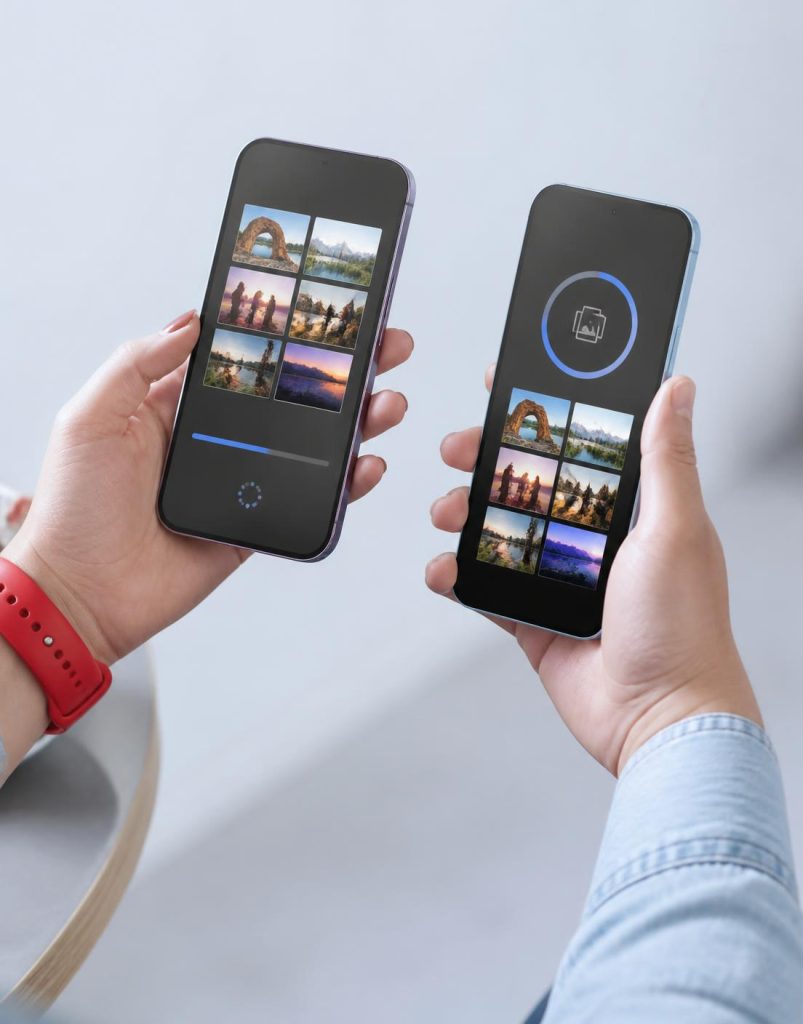
Up to 10 MB/s
Fast local transfer
- Simple by design
From this device to that one in seconds.
Connect nearby devices with a QR code or local hotspot, pick what you want to send, and watch it arrive. Zapya keeps the process direct and effortless.
Connect devices
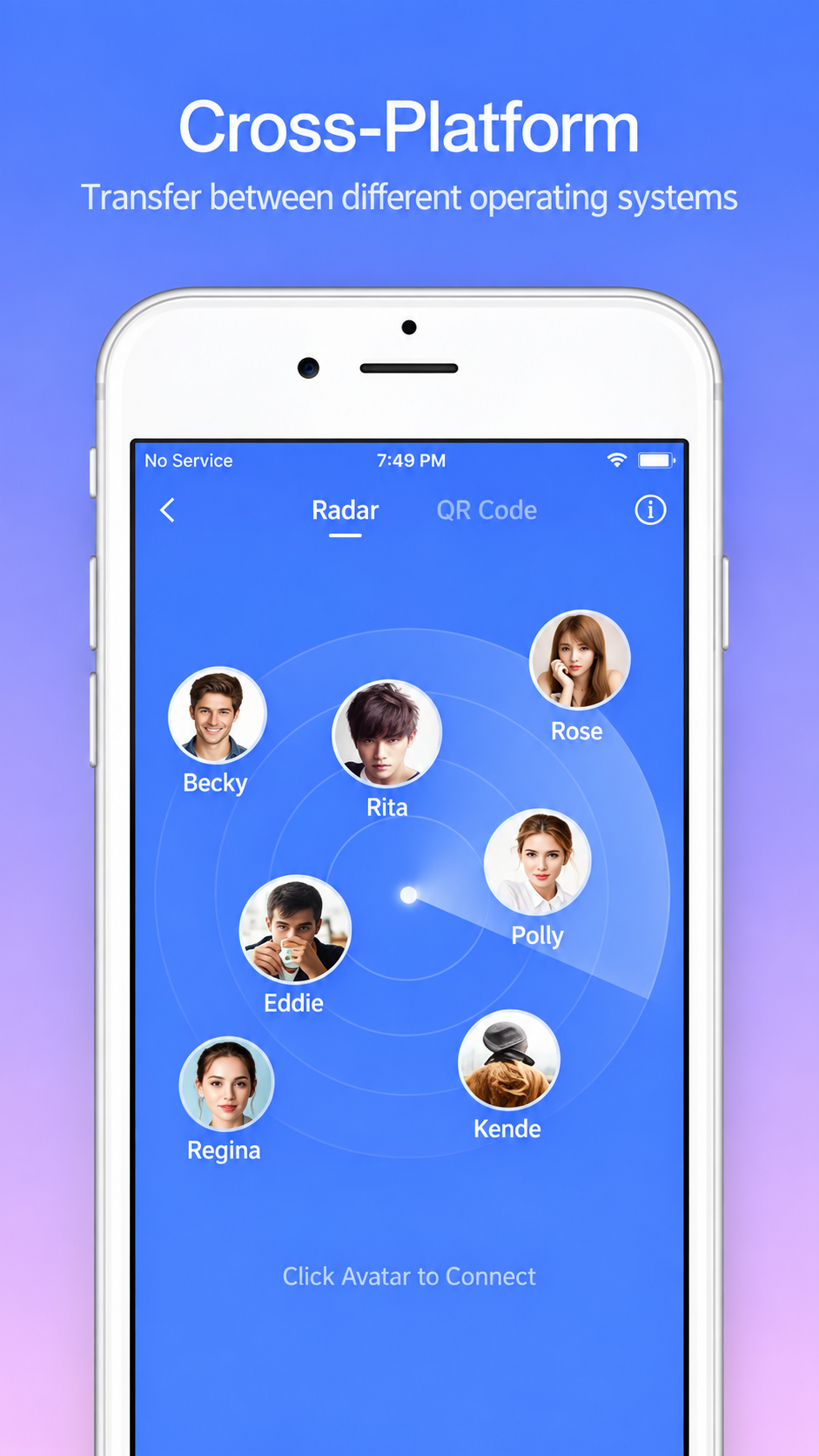
Scan a QR code or join a nearby group.
Choose your files
Select one item or send an entire collection.
Share instantly
Transfer quickly without using mobile data.
- Choose your platform
Find Zapya for Your Device
The right Zapya version depends on the device and operating system you use. Choose your platform below to find relevant download, installation, compatibility and transfer information.
Zapya for Android
Learn about the Zapya app, APK installation, compatibility, available versions and file-transfer options.
Zapya for PC
Desktop setup, Windows compatibility, installation, device connection and PC-to-phone transfers.
Zapya for Windows
Installation, compatibility and transfer guidance, including dedicated Windows 10 and Windows 11 guides.
iPhone & iPad
Download information, setup, connections and file transfers between iOS and other compatible platforms.
- Windows 10
- Windows 11
- macOS / Mac
- Android APK
- Android package
Zapya APK for Android
A Zapya APK is an Android application package that can be used to install the app on a compatible Android device. APK users should pay particular attention to the version, Android compatibility and download source.
- Zapya APK information
- Installation guidance
- Android compatibility
- Latest-version information
- Installation requirements
- Previous releases
- Older APK versions
- Common installation issues
Avoid installing modified or unknown APK files simply because they use the Zapya name.
- Download
Zapya Download
Start by choosing the device you want to use. Download and installation requirements can differ between Android, iOS, Windows and other platforms.
- Your device and operating system
- Current compatibility
- The version you are downloading
- The source of the download
- Installation requirements
- Available storage and permissions
For current version information, always check a trusted app store or the developer’s official resources before installation.
- Built to move
Everything you need to share freely
Works offline
Share through a local connection without cellular data.
Any file type
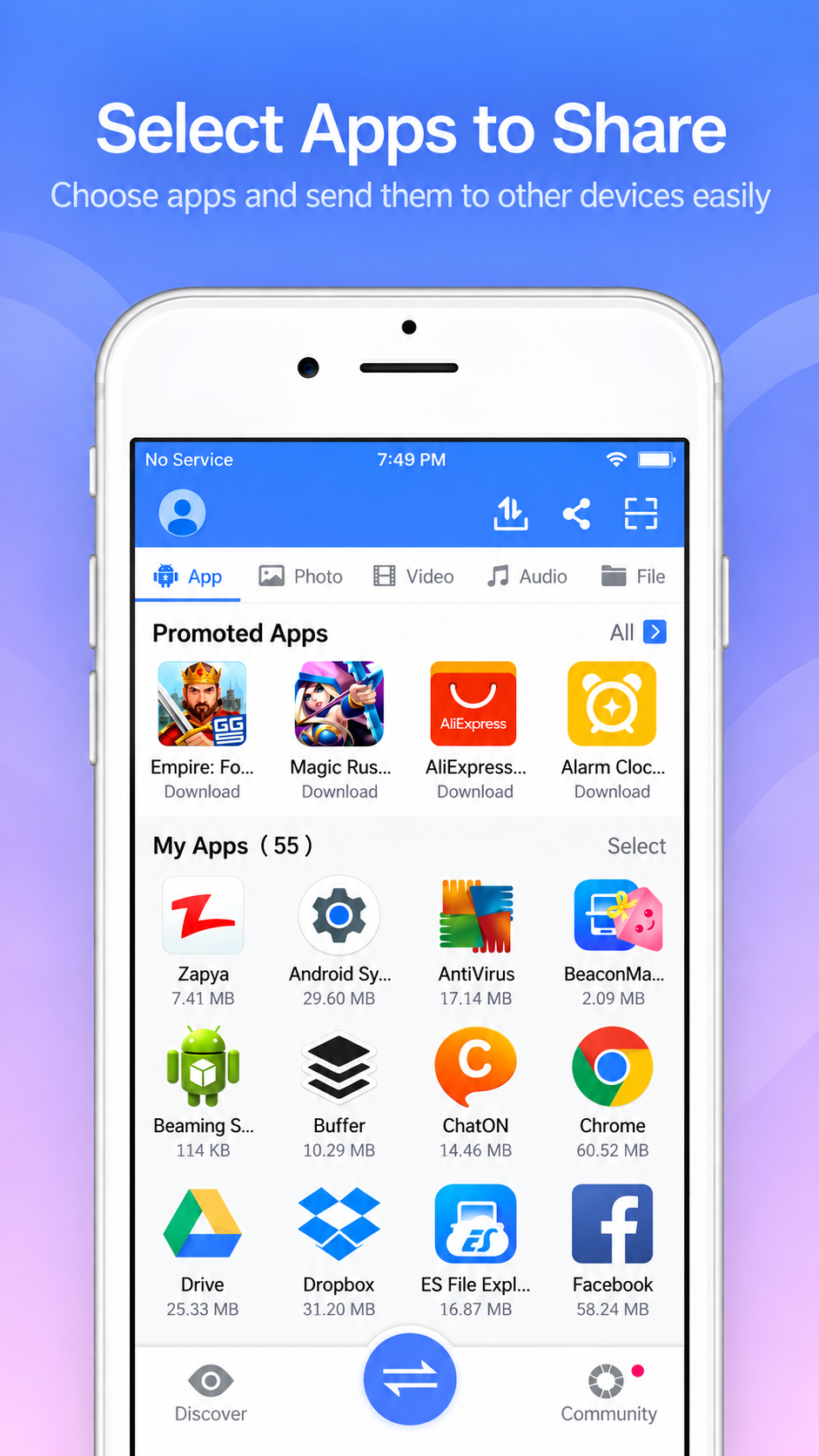
Move photos, videos, music, apps, and documents.
Group sharing
Connect multiple devices and share with everyone at once.
Direct transfer
Your files travel directly between connected devices.
- Simple workflow
How Does Zapya Work?
The basic Zapya file-transfer process is straightforward.
Open Zapya
Install or open Zapya on the devices you want to use.
Prepare the Devices
Make sure the relevant permissions and connection settings are available.
Connect the Devices
Use a connection method supported by your devices and Zapya version.
Select Your Files
Choose the photos, videos, documents or other supported files you want to send.
Start the Transfer
Begin the transfer and keep the devices connected while the files are being sent.
Check the Receiving Device
Once the transfer is complete, confirm that the files arrived correctly.
Connection steps can differ depending on whether you are using Android, iPhone, PC, WebShare or another supported setup.
- From this device to that one in seconds
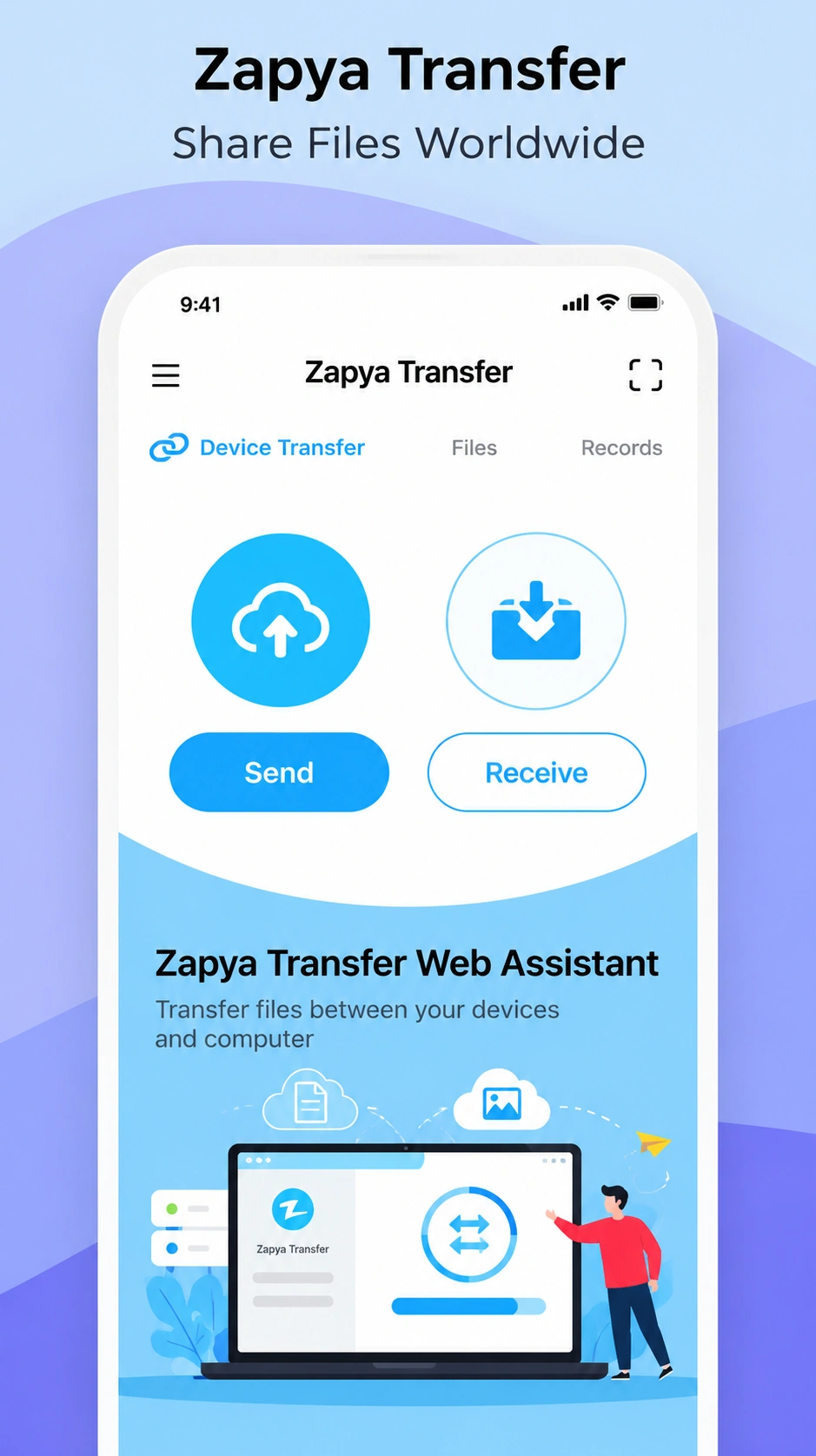
Transfer Files With Zapya
File transfer is one of Zapya’s main functions. Depending on your devices and available connection method, you may be able to transfer supported files between phones and computers.
Phone to Phone
Share supported files from one compatible mobile device to another.
Phone to PC
Move photos, videos, documents and other supported files from your phone to a computer.
PC to Phone
Send supported files stored on your computer to a compatible mobile device.
Android to iPhone
Learn how cross-platform transfer works between supported Android and iPhone devices.
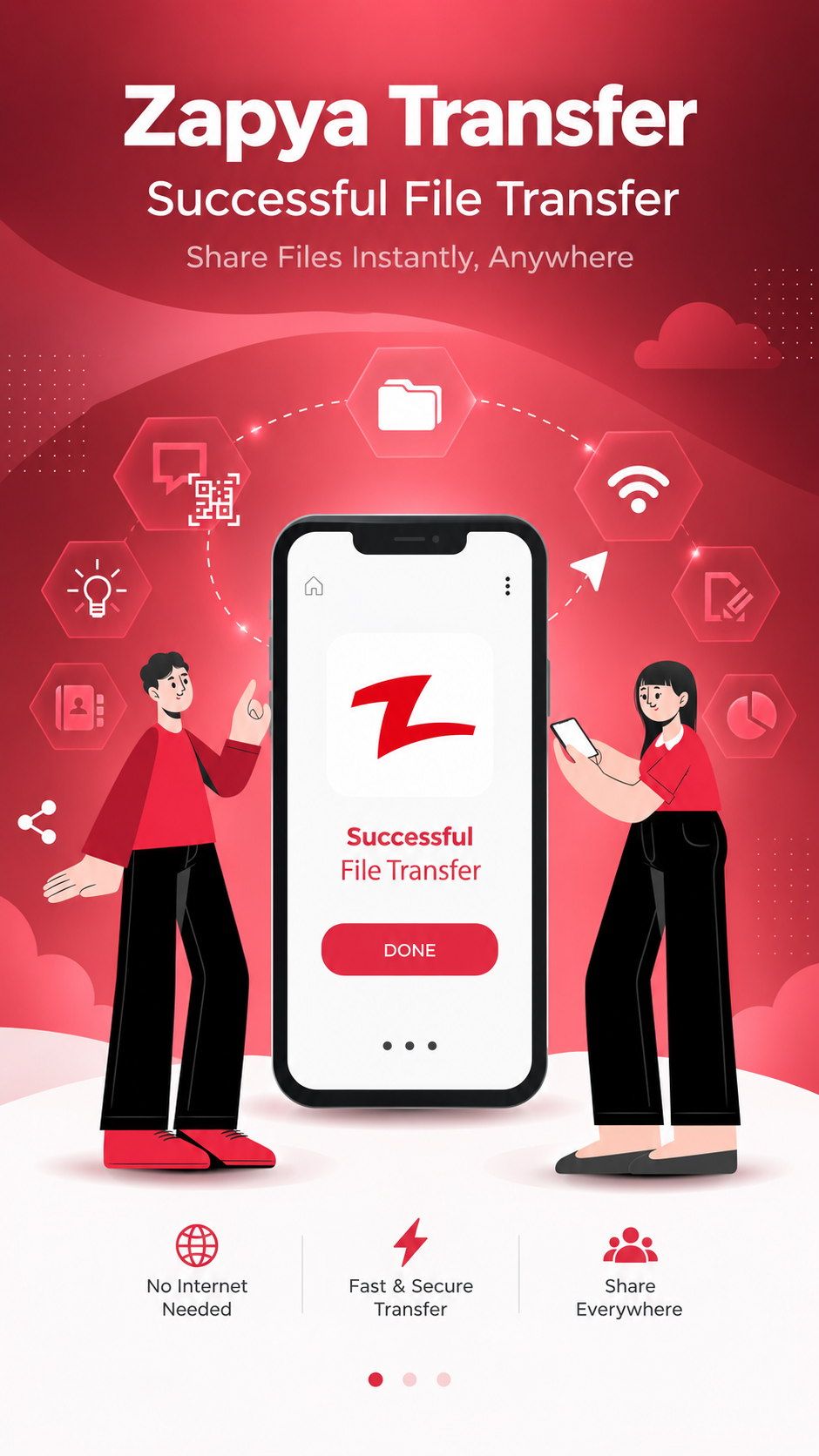
What Files Can Zapya Transfer?
- Photos
- Videos
- Music
- Documents
- Multiple files or folders
- Apps where supported
- Other compatible file types
- Scan & connect
Zapya QR Code
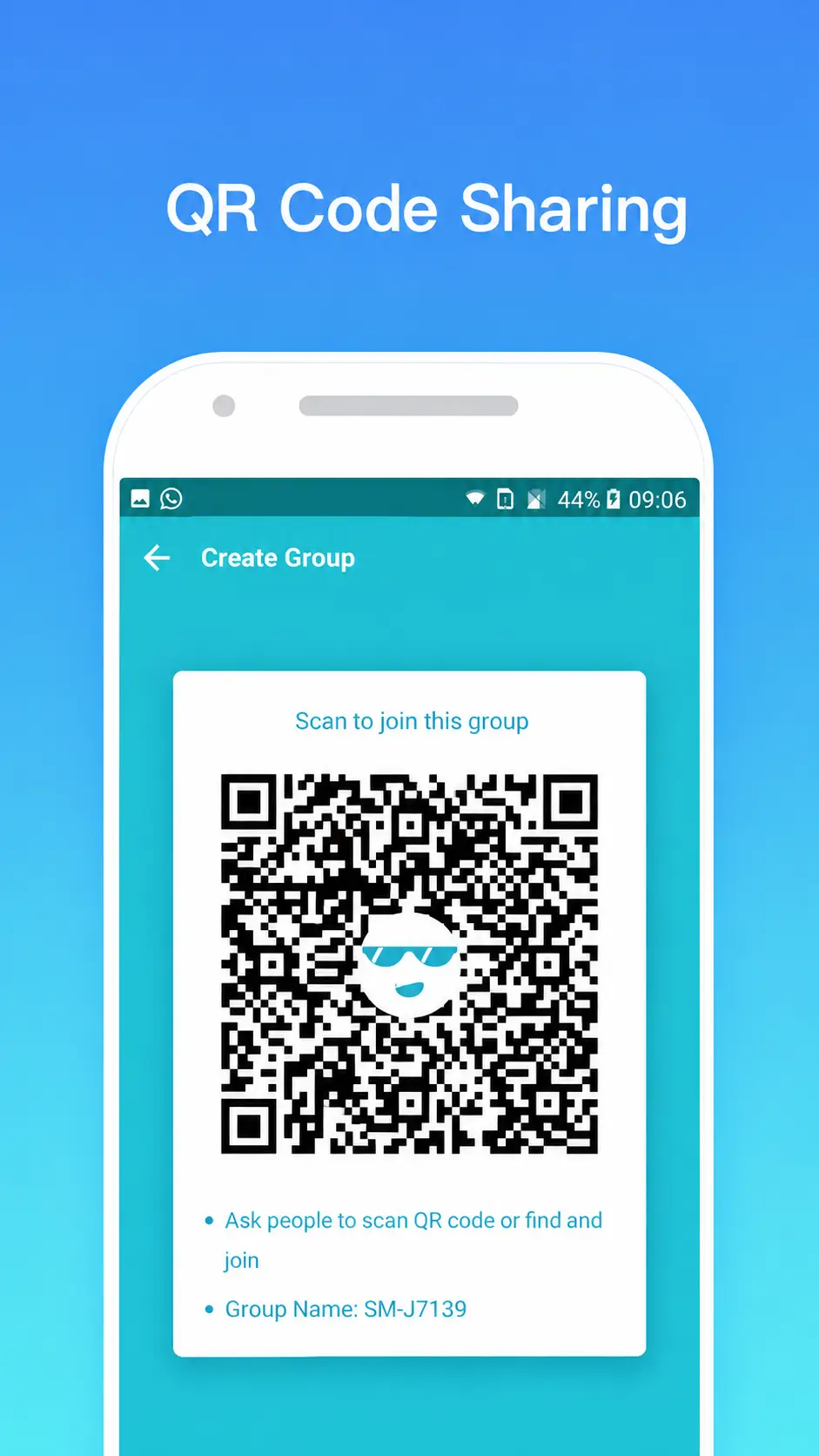
QR codes can provide a simple way to connect supported devices. Where available, one device displays a QR code and the other scans it to help establish the connection.
- How Zapya QR codes work
- How to scan a QR code
- Connecting supported devices
- QR-based file sharing
- PC connections where available
- Common QR connection problems
- Browser sharing
Zapya WebShare
Zapya WebShare provides a browser-based way to access supported sharing and file-management functions. It can be useful when one of the devices is better suited to working through a web browser instead of a traditional app interface.
- What Zapya WebShare is
- How WebShare works
- How devices connect
- Browser-based file access
- File uploads and downloads
- PC and mobile use
- Common connection problems
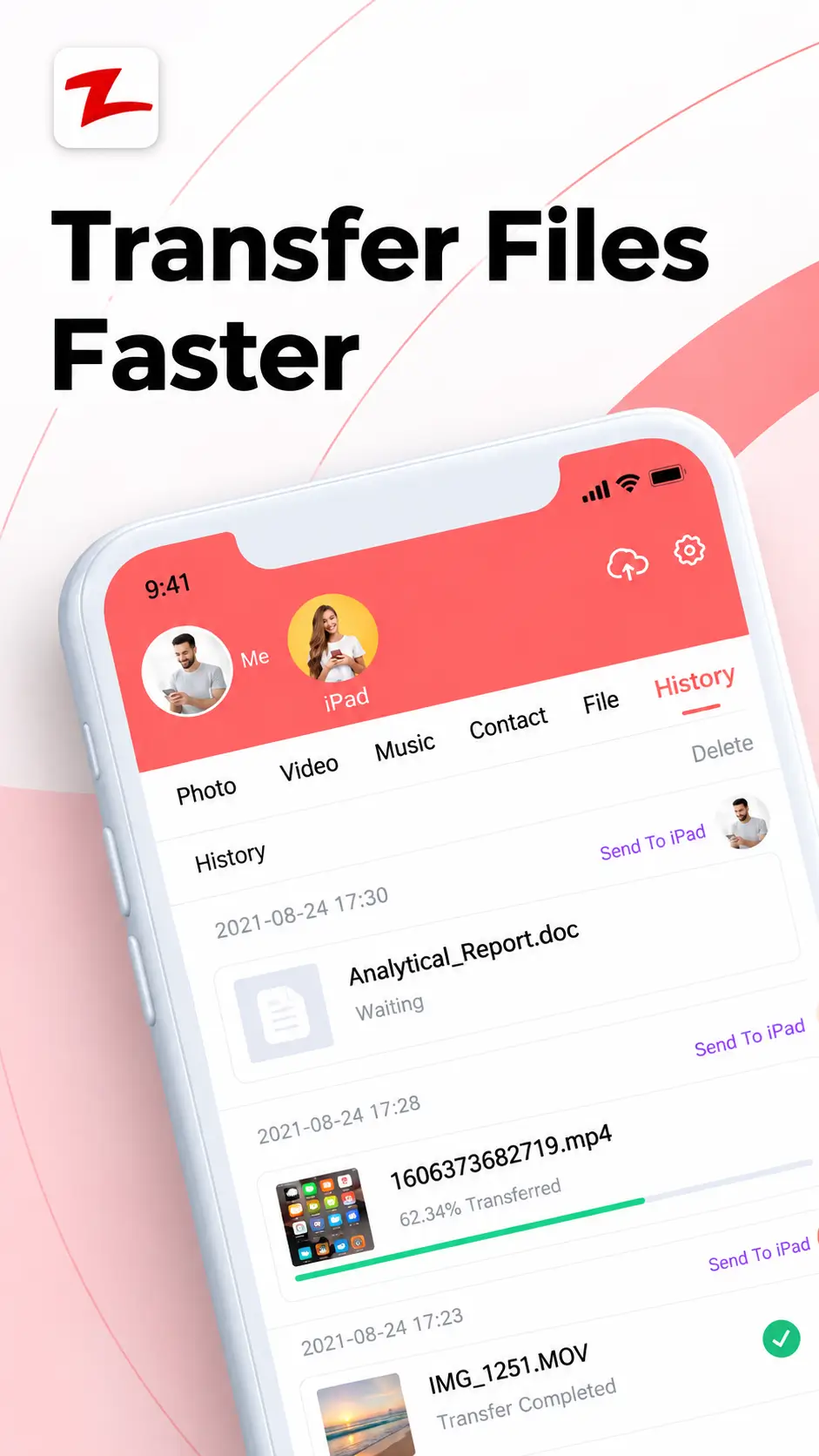
- Built for everyday sharing
Key Zapya Features
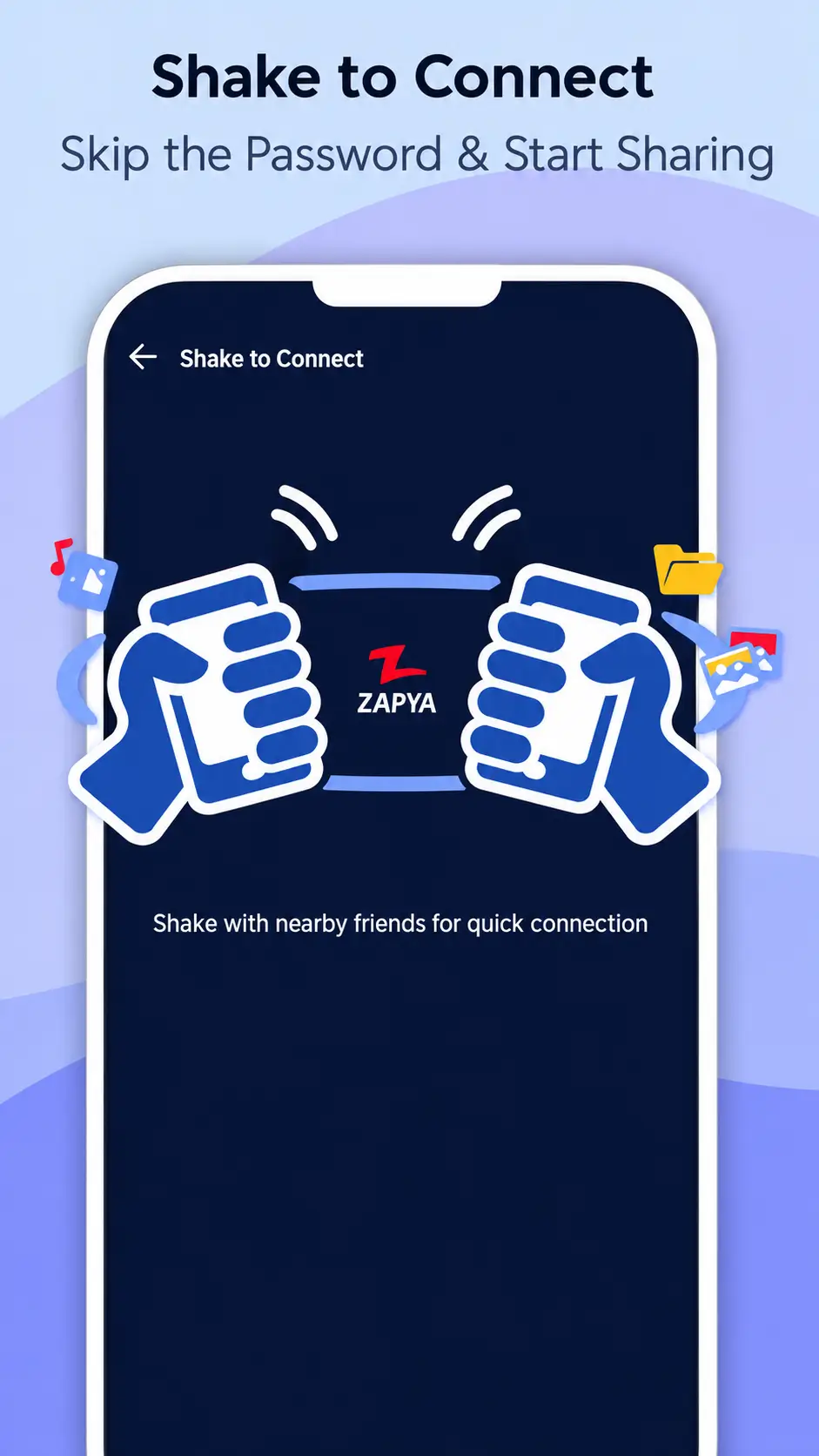
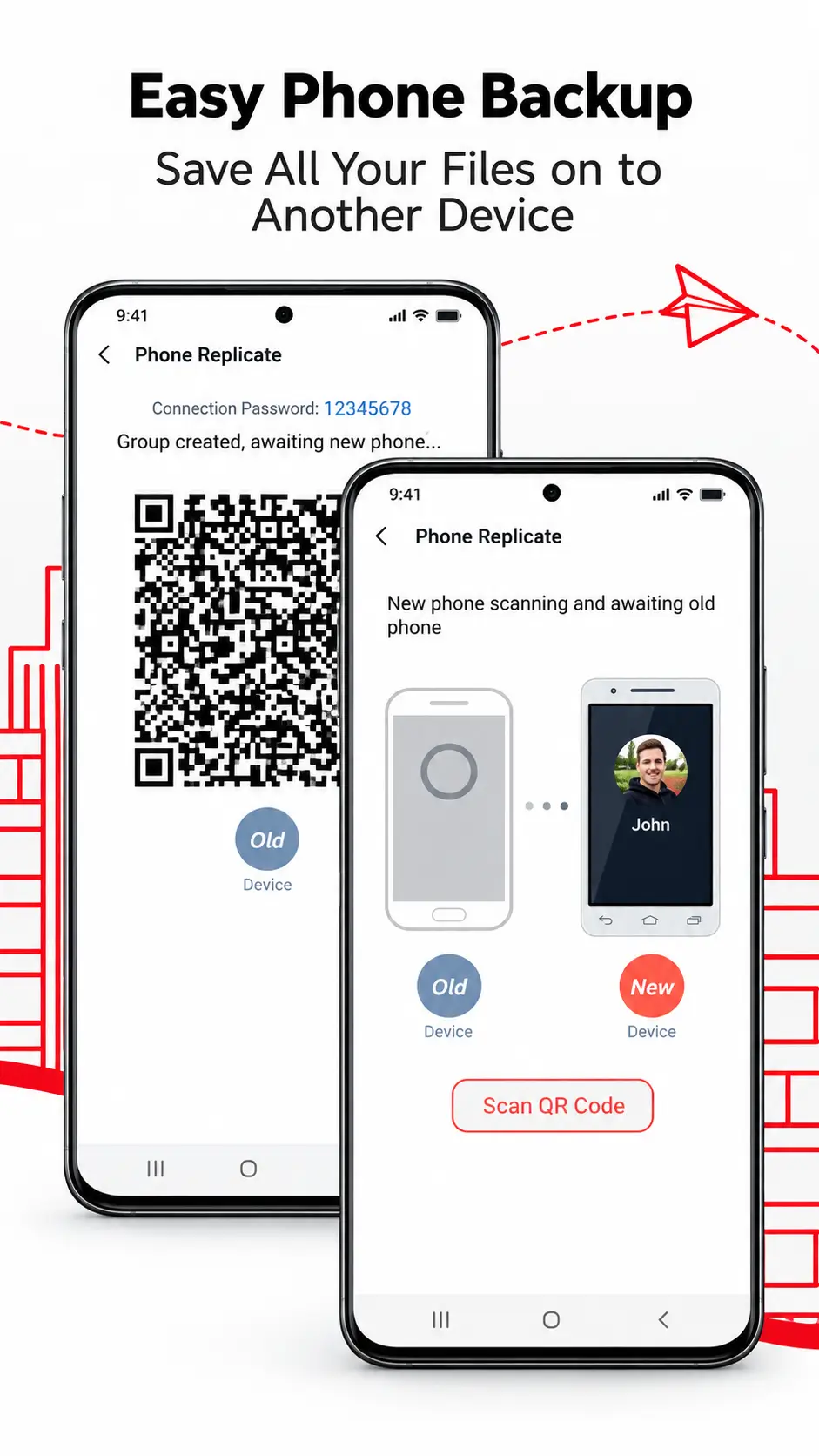
Available features can differ by platform and version, but Zapya is primarily built around transferring and sharing files between supported devices.
File Sharing
Send supported files from one compatible device to another.
Cross-Platform Transfer
Move files between supported phones, computers and other devices.
Multiple File Transfer
Select and transfer several supported files when the platform and version allow it.
QR Code Connection
Use QR-based device connection where available.
WebShare
Access supported file-sharing functions through a web browser.
Phone-to-Computer Transfer
Move files between supported mobile devices and computers.
For exact feature availability, check the guide for your device and current Zapya version.
- Setup
How to Install Zapya
Installation steps vary depending on the platform you use.
- Android
- APK installation
- PC
- Windows
- iPhone
- Other supported platforms
Before installing Zapya, check your operating system, available storage, required permissions and version compatibility.
If the installation fails, the problem may be related to compatibility, permissions, storage, the installation file or device settings.
- Safer setup
Use trusted sources
For current version information and downloads, check a trusted app store or the developer’s official resources. Be careful with modified or unknown third-party installers.
- Help when things go wrong
Zapya Not Working?
If Zapya is not connecting or transferring files correctly, start with the basics. Avoid changing multiple settings at once. Identify the exact problem first, then follow the troubleshooting steps for that issue.
Zapya not connecting
Check the connection method, permissions and device settings.
Transfer not starting
Confirm that both devices remain connected and have sufficient storage.
Not working on PC
Check the desktop version, Windows compatibility, firewall or connection settings.
Not working on iPhone
Check permissions, device connection and whether both devices are using compatible transfer methods.
- Device compatibility
- Connection settings
- Permissions
- Storage space
- Zapya version
- Network / local connection
- QR connection
- Installation problems
- Versions
Zapya Versions
Zapya versions can differ between platforms. Before downloading or installing a particular release, check:
- Your operating system
- Device compatibility
- Current available version
- Installation requirements
- Changes between releases
- Whether an older version is actually necessary
Older versions may be useful in some compatibility situations, but they should not automatically be preferred over a current supported release.
- Privacy & trust
Is Zapya Safe?
There is no useful way to judge app safety from the app name alone. Before installing Zapya, consider:
- Where the app was downloaded
- Whether the source is trustworthy
- What permissions the app requests
- Which version you are installing
- Privacy information provided for that version
- Whether the APK or installer has been modified
- Whether the version is compatible with your device
Be particularly careful with unofficial, modified or unknown third-party installation files. For current privacy and data-handling information, review the latest developer and app-store disclosures before installing.
- Before you choose
Zapya Review
If you are deciding whether Zapya fits your needs, review the parts that matter to your own file-transfer workflow. Our review brings these points together without assuming that one app is right for every user.
Use trusted sources
- Supported platforms
- File-transfer options
- Setup process
- Connection methods
- Available features
- Ease of use
- Platform limitations
- Version differences
- Privacy and permission considerations
- Compare options
Compare Zapya With Other File Transfer Apps
Different file-transfer apps can suit different devices and workflows. If you are comparing your options, explore:
Zapya vs SHAREit
Compare documented transfer features, supported platforms and setup differences.
Zapya Alternatives
Explore other file-transfer tools that may better match a particular platform or use case.
- Compare options
Compare Zapya With Other File Transfer Apps
Different file-transfer apps can suit different devices and workflows. If you are comparing your options, explore:
I want to download Zapya
I need the Android APK
I want Zapya on my PC
I use Windows 10
I use Windows 11
I want to transfer files
I want to use WebShare
Zapya is not working
I want to compare Zapya
- Direct answers
Frequently Asked Questions
What is Zapya?
Zapya is a file-sharing application used to transfer supported files between compatible devices. It can be used for phone-to-phone sharing, phone-to-computer transfers and other cross-device file-transfer tasks.
What is Zapya used for?
Zapya is mainly used to move files between devices. Users may use it to share photos, videos, documents, music and other supported files between phones and computers.
Does Zapya work without internet?
Zapya supports local/offline file-sharing methods on compatible devices. The exact connection method depends on the platform, device and app version being used.
Is Zapya available for PC?
Yes, Zapya provides computer-related options. Windows users should check current compatibility and installation requirements before downloading a desktop version.
Can I use Zapya on Windows 10 or Windows 11?
Zapya has dedicated Windows usage and compatibility considerations. Check the relevant Windows 10 or Windows 11 guide for current setup information.
What is a Zapya APK?
A Zapya APK is an Android application package used to install the app on a compatible Android device. Before installing an APK, check its source, version and device compatibility.
Can Zapya transfer files between a phone and PC?
Zapya supports file-transfer workflows between compatible phones and computers. The connection and setup steps depend on your devices and software versions.
Can Zapya transfer files between Android and iPhone?
Cross-platform transfer between supported Android and iPhone devices is possible when the required connection method and permissions are available.
What is Zapya WebShare?
Zapya WebShare is a browser-based sharing option that allows supported devices to access file-sharing or file-management functions through a web browser.
What is the latest version of Zapya?
The current version can differ by platform and can change over time. Check the app store or developer source for your device before downloading.
Is Zapya safe?
Safety depends on factors such as the source of the download, permissions, privacy practices, app version and whether the installation file has been modified. Use trusted sources and review current privacy information before installing.
Why is Zapya not working?
Common causes include connection settings, permissions, compatibility, storage, device configuration or version differences. Identify the exact problem first and then follow the relevant troubleshooting steps.